
Payment failure is not a bug — it is the default. The question is whether you have a workflow.
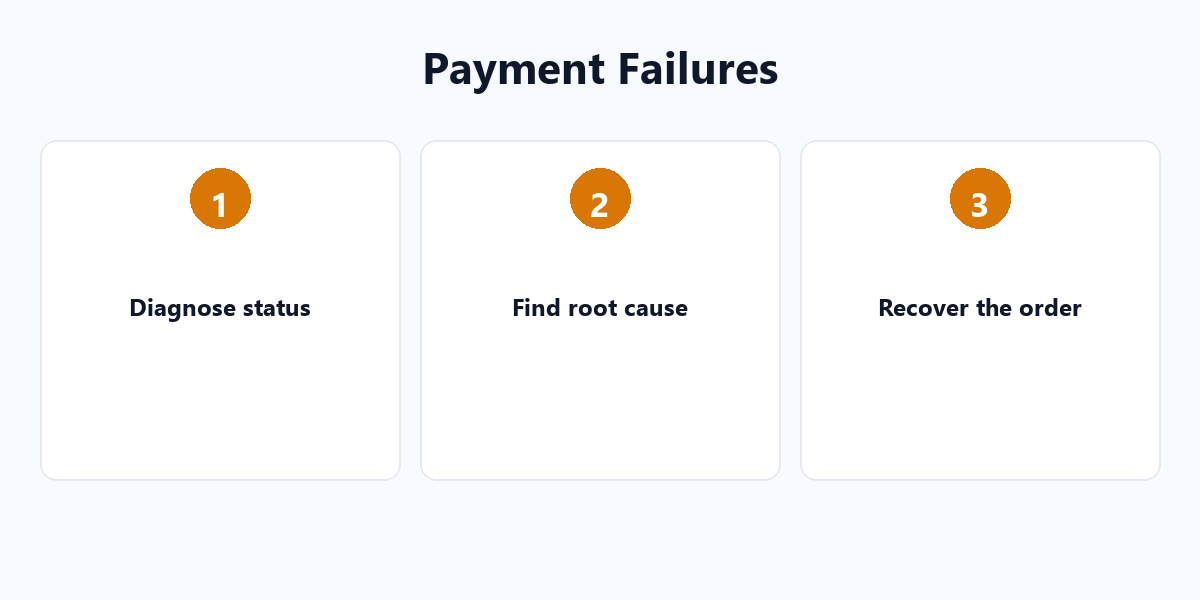
Every store loses some payments. The winners have a diagnosis and recovery process; the rest quietly leak revenue. This guide builds the full “diagnose → fix → recover” loop.
Start from the order status
- failed — the payment attempt was rejected.
- on-hold — waiting for manual review (often fraud hold).
- pending payment — order created but not yet paid.
Each status points to a different root cause, so treat them separately.
The most common root causes
| Cause | Typical sign |
|---|---|
| Config error | Test API key in production, wrong webhook URL, expired credentials |
| SSL problem | Expired cert or mixed content blocks the payment form |
| Plugin conflict | A security or cache plugin blocks payment API calls |
| Host limits | PHP memory, execution time, or cURL disabled |
The recovery strategy
- AutomateWoo (or similar): send a recovery email ~30 minutes after a failed payment.
- Saved cards: let customers keep multiple cards so a failed one can switch instantly.
- Weekly tests: run a full checkout on iOS / Android / desktop across Chrome / Firefox / Safari.
The emergency checklist (in order)
- SSL
- Gateway API key
- Plugin conflicts
- Host limits
- Gateway account status
Make failure a process, not a panic. For the full recovery stack, see our WordPress plugin tutorials.