
Choosing a gateway is more than “Stripe or PayPal”.
WooCommerce dominates WordPress e-commerce, but the payment gateway you pick quietly shapes your fees, cash flow, chargeback exposure, and compliance burden. This guide separates the decisions that matter from the marketing noise.
Official vs third-party plugins: why it matters
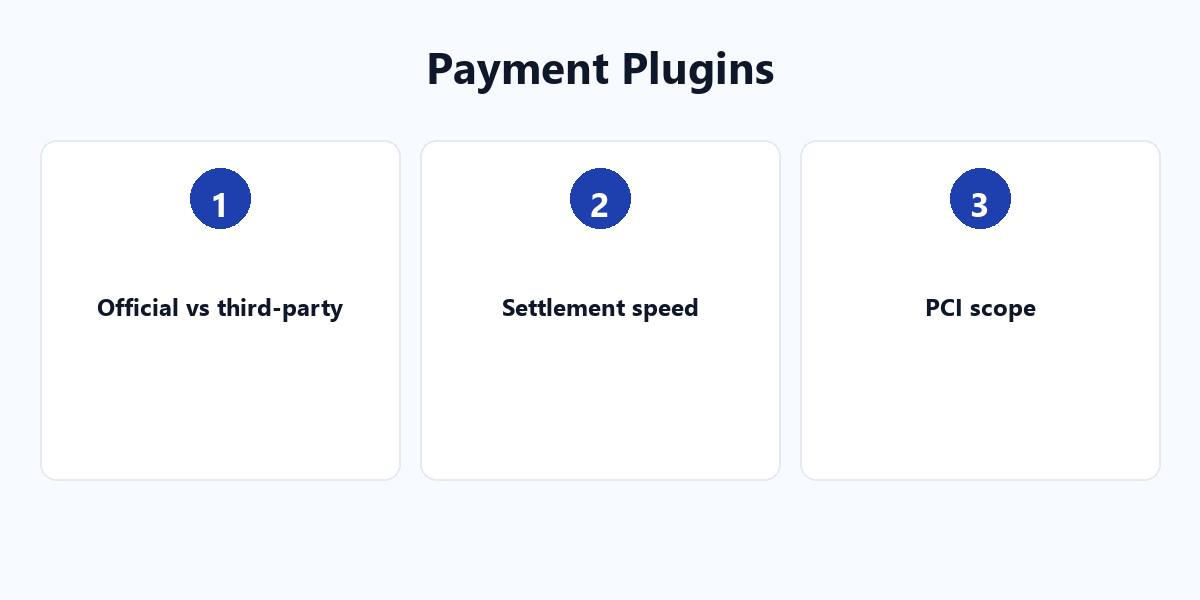
An official plugin like WooCommerce Stripe Gateway is built and maintained jointly by Stripe and WooCommerce — it tracks new features first and is the first fixed when something breaks. A third-party integration, such as the one by Payment Plugins, is a well-made independent layer that can add flexibility but relies on a smaller team for updates. Neither is automatically “better”; the risk profile differs.
Dynamic payment methods are AI, not a list
Stripe’s Optimized Checkout Suite does not just display every payment method. It reads the buyer’s geography, device, and history, then surfaces the most relevant option automatically. For a store, that means fewer dead-end methods and higher conversion without configuring each one by hand.
Settlement speed is a cash-flow decision
PCI scope: who touches the card data
Stripe Elements tokenizes the card in an iframe, so the card number never hits your server — keeping you out of the heaviest PCI burden. Some gateways require a heavier self-assessment (SAQ A-EP) instead. The lighter your PCI scope, the less you worry about compliance.
The 5 hidden costs
- Currency markup — a low card fee can hide a fat FX spread.
- Settlement delay — locked-up revenue costs more than a percentage point.
- Chargeback handling — who fights disputes, and how well.
- PCI burden — tokenization vs heavier SAQ forms.
- Integration maintenance — official vs third-party update risk.
A decision matrix
| Dimension | What to ask |
|---|---|
| Target market | Which local methods must you support? |
| Monthly volume | Does the fee tier fit your volume? |
| Technical ability | Can you manage a heavier integration? |
| Settlement preference | Instant vs standard payout? |
| Multi-currency | Do you need native FX handling? |
Pick the gateway that matches your matrix, not the one with the best logo. For the full store setup, see our WordPress plugin tutorials.