
“I use Stripe, so I do not need PCI.” That sentence can get you fined.
PCI DSS 4.0 confuses many WordPress owners. The truth: your compliance level depends on who touches card data — and using Stripe does not automatically mean “zero burden.”
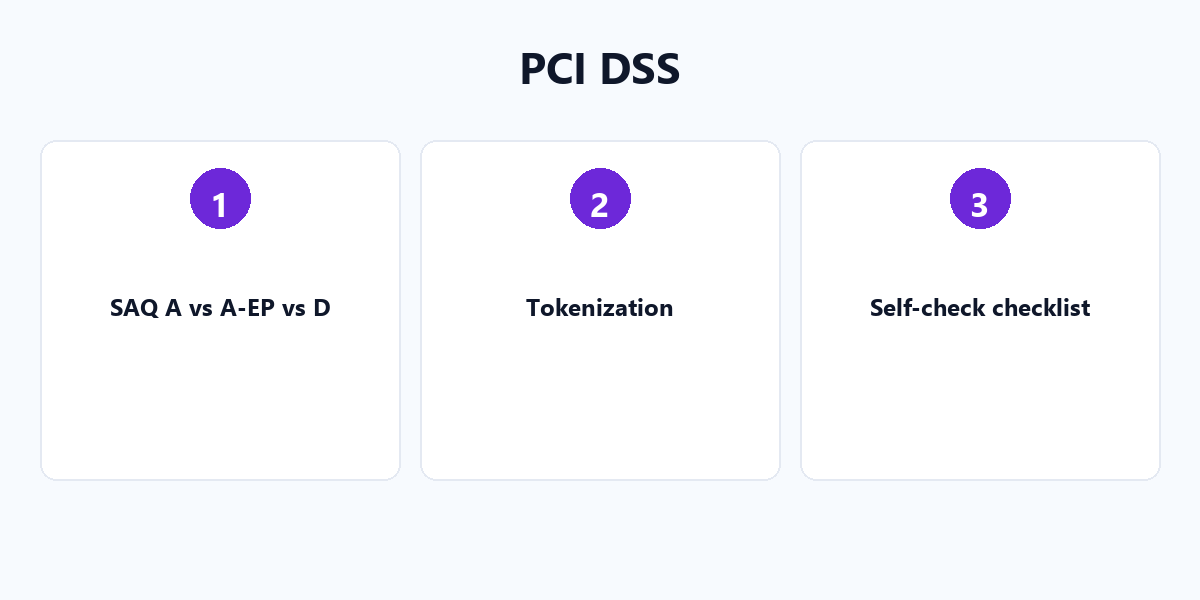
The three SAQ levels that matter
| SAQ | When it applies |
|---|---|
| A | Full redirect to PSP, or a PSP-hosted iframe like Stripe Elements — card data never touches your server. |
| A-EP | Your site has components that affect payment security (e.g. custom JavaScript), even if card data bypasses your server. |
| D | Your server directly handles, transmits, or stores card data — avoid this on WordPress at all costs. |
Tokenization is the key
Stripe returns a payment_intent_id or customer_id — never the card number. Your WordPress database stores a token, not sensitive data. That is what keeps you in the light SAQ A category.
The hidden A-EP trap
Even with Stripe Elements, if your theme or a plugin loads suspicious JavaScript on the payment page, card schemes may classify you as SAQ A-EP — a far heavier burden. A single sloppy script can undo your clean tokenization.
Self-check checklist
- Confirm HTTPS with an SSL checker (no mixed content).
- Open the payment page in browser dev tools and confirm no mixed-content warnings.
- Verify no plugin processes a card-number form locally.
- Keep the checkout page free of unknown third-party scripts.
Stay in SAQ A and sleep easier. For more on securing your store, see our WordPress plugin tutorials.