


Every field you add costs a few customers — but deleting the wrong one is a compliance problem.
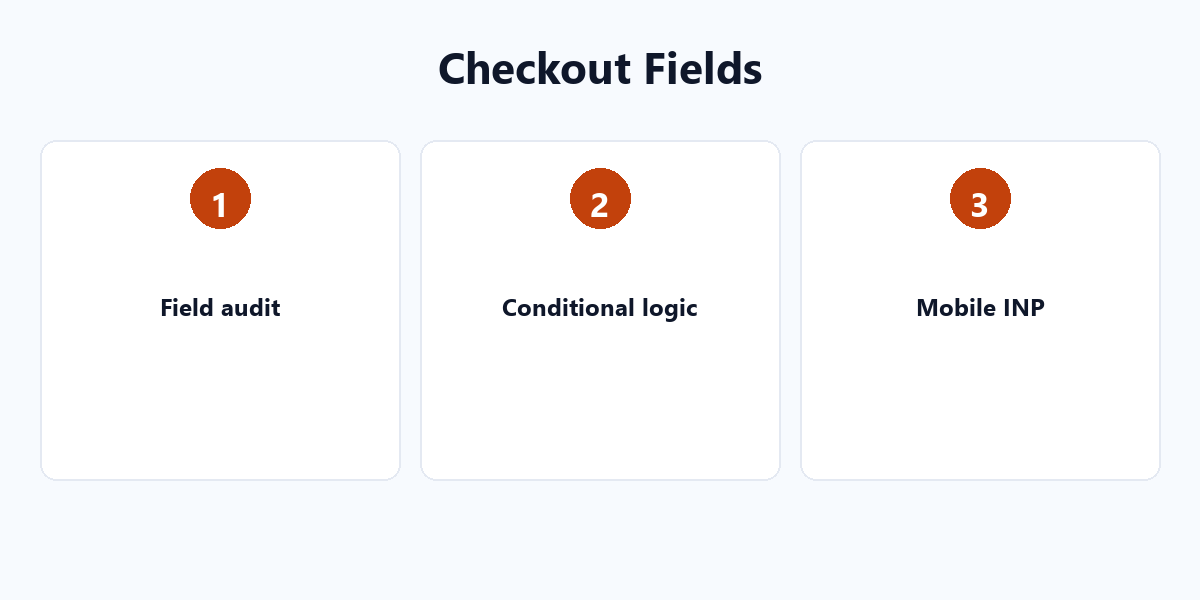
Checkout friction is conversion friction. The fix is not blind deletion; it is a field audit plus conditional logic so the right fields appear only for the right customer.
The data behind the friction
- 75% of checkouts still include an “Address 2” field that most buyers never need.
- ~50% of stores under-promote guest checkout.
- Multi-column forms increase error rates (Nielsen Norman Group) — the eye has to travel side to side, worst on mobile.
Conditional logic: show fields only when relevant
- B2B wholesale: VAT Number and Company Name appear only for “company” customers.
- Digital products: hide shipping address and shipping notes entirely.
- Subscriptions: renewals ask only for confirmation, not every field again.
Mobile and INP
Core Web Vitals INP should stay under 200ms. Complex multi-step forms are a common cause of a bad INP score — simplify the form and interactions improve.
The field audit workflow
- List every current checkout field.
- Tag each: compliance-required / business-required / nice-to-have / redundant.
- Remove redundant and nice-to-have fields.
- Put “business-required” fields behind conditional logic.
Subtract first, then automate the rest. For more conversion-focused setup, see our WordPress plugin tutorials.