
The sale is won or lost at the checkout.
You can build the best independent WordPress site on the internet, but if your checkout only accepts a payment method half your customers cannot use, you lose the order at the very last step. A payment gateway is not a technical afterthought; it is a business decision that shapes your fees, your cash flow, and whether a visitor becomes a paying customer.
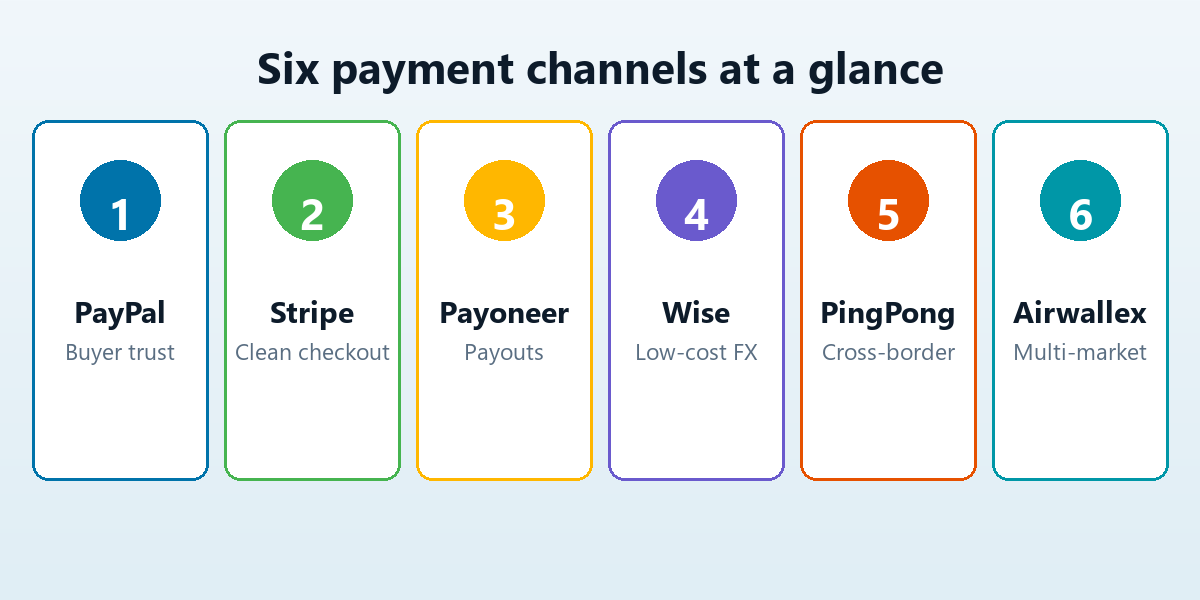
This guide compares the six payment channels we recommend most for WordPress independent sites. For each one you get the real advantages, the typical processing fees, the account requirements, and the exact plugin you install to wire it into WooCommerce. A comparison table at the end shows all six side by side.
How to judge a payment channel
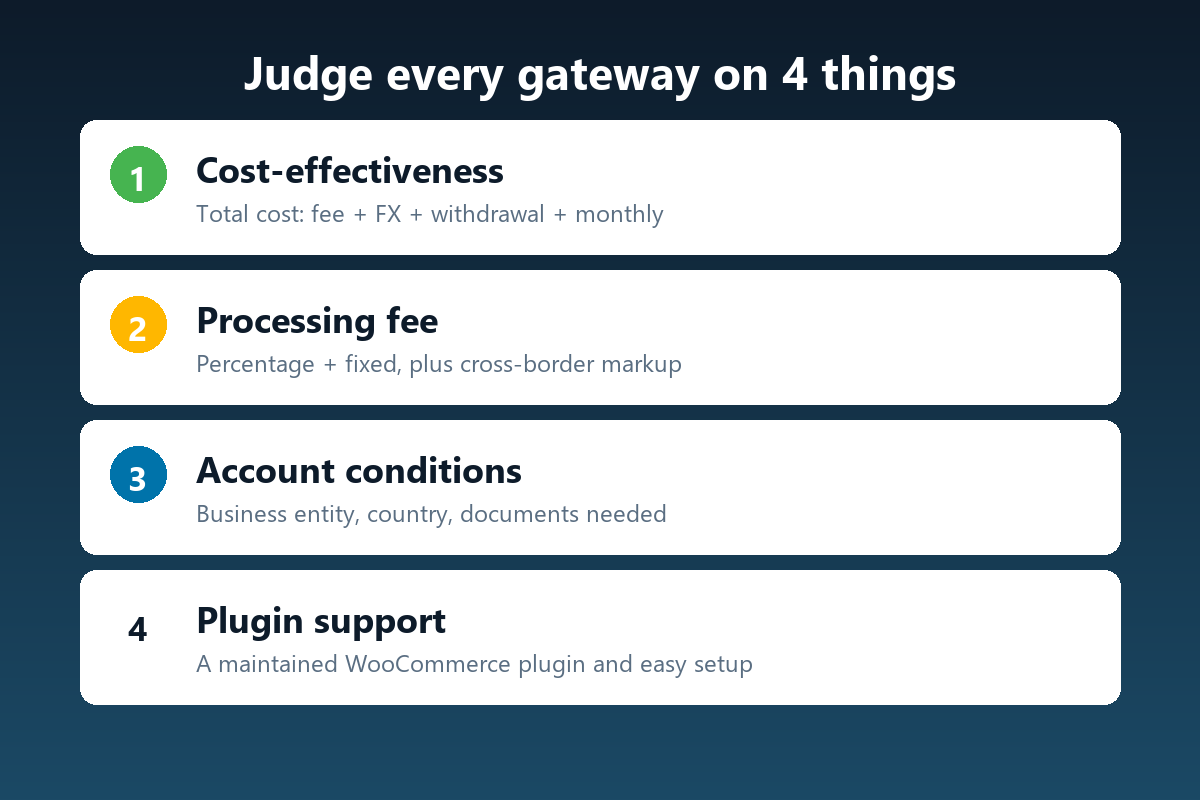
Do not pick a gateway by its logo. Evaluate every option against the same four questions, because they are the ones that actually show up on your P&L statement and in your support inbox.
- Cost-effectiveness — the total cost of moving money, not just the headline rate. Add up the per-transaction fee, the currency-conversion markup, the withdrawal fee, and any monthly charge.
- Processing fee — the percentage plus fixed amount taken on each sale, and whether cross-border or foreign-card transactions carry an extra surcharge.
- Account conditions — what you need to get approved: a registered business, a specific country of residence, a bank account, or a minimum sales history.
- Plugin support — whether a maintained WordPress or WooCommerce plugin exists, how hard it is to configure, and whether it supports your region.
1. PayPal — trust and reach
PayPal remains the gateway that converts skeptical first-time buyers, because they already have an account and they already trust the brand. For an independent site selling to an international audience, that familiarity is worth real conversion points.
Advantages
- Over 400 million active accounts and instant buyer recognition.
- No monthly fee to get started; pay only when you sell.
- Accepts cards, PayPal balance, and local methods in many countries.
Fees and conditions
- Typically around 2.99% plus a fixed fee for US domestic sales, rising to roughly 4.4% plus a fixed fee for international or cross-border transactions.
- Easy to open: a personal account can start, and a business account upgrades you for commercial use.
Plugin
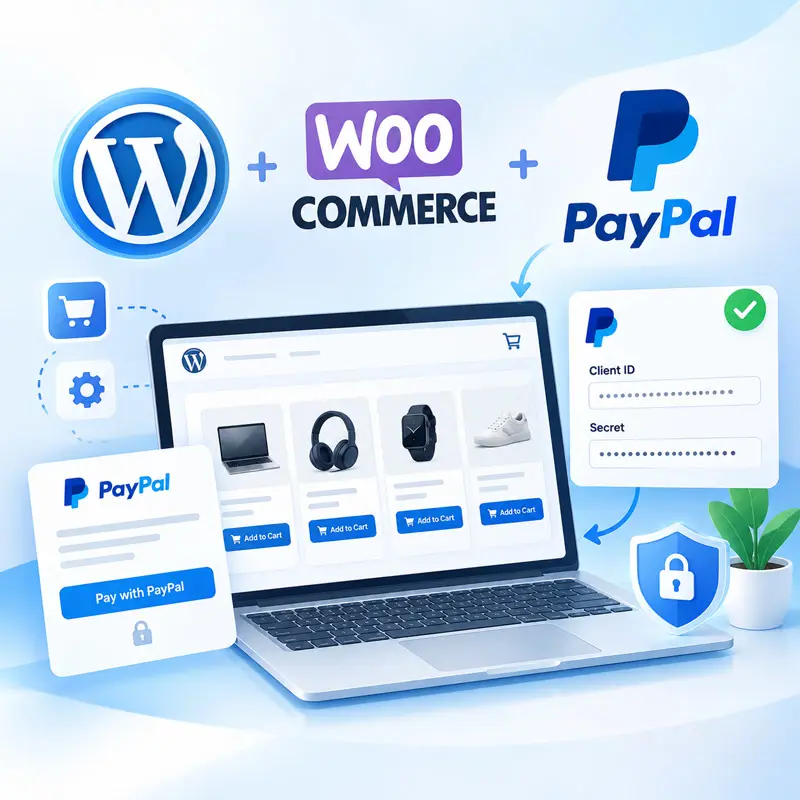
Use the official WooCommerce PayPal Payments plugin. Install it from Plugins > Add New, connect your PayPal account, and the gateway appears at checkout in minutes.
2. Stripe — low fees and the best developer experience
Stripe is the default choice for sites that want a clean, fast checkout and reasonable fees without a long setup. It is especially strong if you plan to sell subscriptions, accept many currencies, or automate anything around payments.
Advantages
- Transparent pricing and a modern, fast checkout.
- Supports 135+ currencies and recurring billing out of the box.
- Excellent API and a huge ecosystem of extensions.
Fees and conditions
- Around 2.9% plus a fixed fee for domestic cards, with roughly an extra 1% for international cards.
- Requires a business registered in a supported country and a local bank account for payouts.
Plugin
Use WooCommerce Stripe Payment Gateway. After activation, enter your publishable and secret keys from the Stripe dashboard, and you are accepting cards.
3. Payoneer — cross-border payouts and marketplace money
Payoneer shines when your income already flows through marketplaces or overseas clients rather than only through your own checkout. It lets independent sellers receive and hold funds in multiple currencies and withdraw to a local bank account at a predictable cost.
Advantages
- Popular with sellers who also receive payouts from platforms like Amazon.
- Multi-currency receiving accounts in major currencies.
- Free to open; costs come mainly from conversion and withdrawal.
Fees and conditions
- Withdrawal and conversion fees are typically in the low single-digit range, often cheaper than PayPal’s cross-border markup.
- Open to individuals and businesses in a wide list of countries with a simple identity verification.
Plugin
Payoneer is less of a direct WooCommerce checkout gateway and more of a payout rail. For a direct checkout, pair it with a gateway plugin, or use it to receive and withdraw your earnings efficiently.
4. Wise — low-cost currency conversion
Wise (formerly TransferWise) is the cheapest way to move money across borders when the real cost is the exchange rate, not the card network. It converts at the mid-market rate with a small, clearly shown fee.
Advantages
- Mid-market exchange rates with no hidden markup.
- Multi-currency account with local bank details in major currencies.
- Very low, predictable fees for receiving and converting.
Fees and conditions
- Conversion fees typically well under 1%, depending on currency and route.
- Easy to open for individuals and businesses in most countries with standard verification.
Plugin
Wise offers business and API options, and it can serve as a low-cost settlement account. For a direct WooCommerce checkout, you would typically pair it with a gateway that settles into your Wise account.
5. PingPong — built for cross-border sellers
PingPong is a payment platform aimed squarely at cross-border e-commerce sellers, and it is a favorite among independent-site owners who need to collect money from overseas customers and settle it cleanly to a local bank account.
Advantages
- Competitive fees designed for cross-border sellers, often around 1% or lower with volume.
- Multi-platform collection and simple settlement to local accounts.
- Strong support for sellers operating from outside the US and Europe.
Fees and conditions
- Fees are typically lower than PayPal and Stripe for cross-border collection.
- Opens with business registration and identity verification; friendly to non-US sellers.
Plugin
PingPong integrates with major platforms and offers checkout options for independent sites; check the provider’s WooCommerce integration or use it as your settlement layer behind a card gateway.
6. Airwallex — a global business account with a gateway
Airwallex combines a multi-currency business account with payment acceptance, which means you can collect, hold, convert, and pay out without stitching several services together. It is a strong fit for independent sites that operate in multiple markets.
Advantages
- Multi-currency accounts and low FX conversion costs.
- Card acquiring plus payouts in one platform.
- A modern API and a WooCommerce plugin for checkout.
Fees and conditions
- Competitive interchange-plus pricing with low FX margins, often a fraction of a percent.
- Requires a registered business and standard onboarding checks.
Plugin
Install the official Airwallex WooCommerce plugin, connect your account, and enable it as a payment method at checkout.
The six, side by side
| Channel | Typical fee | Best for | Account conditions | Plugin |
|---|---|---|---|---|
| PayPal | ~2.99% + fixed, higher cross-border | Buyer trust | Easy, personal or business | WooCommerce PayPal Payments |
| Stripe | ~2.9% + fixed, +1% international | Clean checkout, subscriptions | Business in supported country | WooCommerce Stripe Gateway |
| Payoneer | Low single-digit conversion/withdrawal | Marketplace payouts | Individual or business, wide coverage | Payout rail (pair with gateway) |
| Wise | Mid-market FX, fee under ~1% | Low-cost conversion | Easy, individual or business | Settlement account |
| PingPong | ~1% or lower with volume | Cross-border sellers | Business registration | Platform + settlement integration |
| Airwallex | Interchange-plus, low FX | Multi-market operation | Registered business | Airwallex WooCommerce plugin |
How to install a payment plugin in WooCommerce
Most of the options above install the same way, so here is the hands-on path you will repeat:
- Go to Plugins > Add New and search for the gateway’s plugin (for example, WooCommerce Stripe Payment Gateway).
- Click Install Now, then Activate.
- Open WooCommerce > Settings > Payments and enable the new method.
- Click Manage, paste your API keys or connect your account, and save.
- Place a one-dollar test order in sandbox mode to confirm the flow works end to end.
Mistakes that quietly cost you money
- Choosing by headline rate only. A low card fee can hide a high currency-conversion markup. Read the full fee schedule.
- Offering only one method. Buyers abandon carts when their preferred method is missing. Offer at least a card gateway plus PayPal.
- Ignoring settlement timing. Some gateways hold funds for days or weeks. Know when the money actually reaches you.
- Skipping the test order. Never launch a checkout you have not run a real sandbox transaction through.
Choose the channel that fits your market
There is no single best gateway, only the best fit for your market, your volume, and where you are registered. For most independent sites, the winning setup is a card gateway like Stripe or Airwallex for the checkout, plus PayPal for buyer trust, plus a low-cost settlement layer such as Wise or Payoneer to move the money home.
If you are building out the rest of your WordPress site, our WordPress plugin tutorials walk through the configuration details step by step, including the settings that are easy to get wrong. Get the payment layer right first, and every sale after that is a solved problem.