
You woke up to 400 failed orders. It was not a glitch.
Card testing attacks are the most common automated assault on WordPress stores. Attackers run stolen card numbers against your checkout with bots, producing hundreds of failed orders in hours. This guide explains the attack path, why your captcha does not stop it, and a layered defense — including ready-to-use .htaccess rules.
What a card testing attack actually looks like
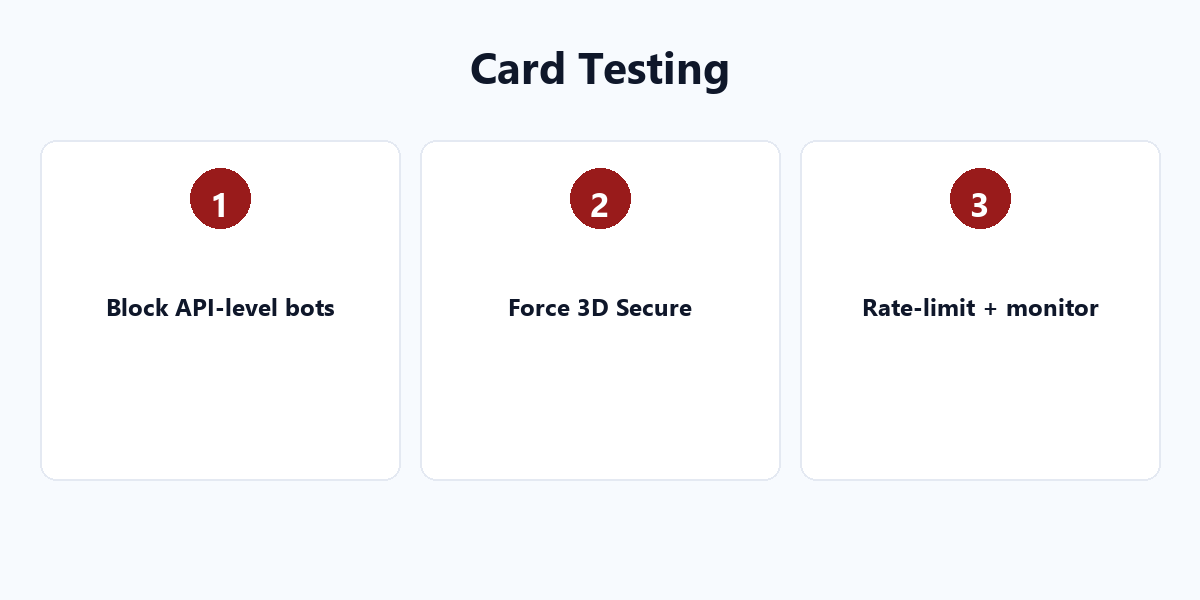
A carding bot does not click your “Place Order” button. It calls your store’s API directly. WooCommerce exposes endpoints like /wp-json/wc/store/products and the checkout endpoints, and a bot can POST to them with a batch of stolen card numbers in minutes. Each attempt creates a real order attempt — you see the failures pile up in WooCommerce → Orders, all filtered as “Failed”.
Why captcha usually does nothing
A captcha sits on the frontend form. A bot that POSTs straight to the API never loads your page, so the captcha never renders and never triggers. PayPal buttons compound the problem: they render inside an iframe, which makes integrating a captcha into that flow technically awkward. Captcha is useful against human spam, not against API-level carding.
The layered defense: 7 things that actually work
1. Force 3D Secure at the gateway
3D Secure shifts the challenge to the card issuer. A stolen card number without the 3DS approval fails. This is the single most effective block — a forced challenge stops nearly all card testing dead. The trade-off is a small conversion hit, which is covered in our separate guide on smart 3DS triggering.
2. Rate-limit checkout requests
Plugins like Checkout Rate Limiter cap how many checkout attempts one IP can make in a time window. A bot that can only try 3 times per minute instead of 300 becomes useless.
3. Block the API attack pattern at the server
Add these rules to your .htaccess to reject suspicious checkout API traffic and block known bot user agents:
# Block direct POSTs to the store checkout API from non-browser agents
<IfModule mod_rewrite.c>
RewriteEngine On
RewriteCond %{REQUEST_URI} wp-json/wc/store [NC]
RewriteCond %{HTTP_USER_AGENT} (python|curl|wget|libwww|bot|crawl) [NC,OR]
RewriteCond %{HTTP_USER_AGENT} ^$
RewriteRule .* - [F,L]
</IfModule>

# Block common carding IP patterns (example - tighten to your traffic)
<Limit POST>
Order allow,deny
Allow from all
Deny from 185.220.
Deny from 45.155.
</Limit>
4. Monitor for anomalies automatically
Set up email alerts for failed orders. A spike of failed orders in 30 minutes should notify you immediately, not when you check in the morning. Most stores also benefit from a security plugin that logs unusual request volume.
5. Add a minimum-order or guest-checkout control
Bots target the cheapest item to validate cards. A small minimum order value, or requiring account creation for very cheap items, raises the cost of card validation enough to deter many scripts.
6. Use an anti-fraud layer with velocity rules
Services and gateways with velocity checks flag the same card or the same IP trying many times rapidly. Stripe Radar does this automatically; standalone fraud tools add a second layer for other gateways.
7. Keep a post-incident checklist
When you are hit: record the IPs and user agents, block them, review the failed orders, then test your checkout end to end. Document it so the next attack is a five-minute fix, not a fire drill.
A complete defense stack, in order
| Layer | Tool | What it blocks |
|---|---|---|
| Gateway | 3D Secure | Stolen cards without issuer approval |
| Application | Rate limiter | Rapid repeated checkout attempts |
| Server | .htaccess rules | Non-browser API POSTs |
| Monitoring | Email alerts | Late detection |
Card testing will happen — be ready, not surprised
Card testing is not a rare attack; it is a background constant for every store that accepts cards. The difference between a minor annoyance and a disaster is whether you have the gateway challenge, the rate limit, the server blocks, and the alerting already in place. Set the four layers up once, and the next “overnight” attack becomes a quiet, handled event.
For the rest of your store’s payment security — 3D Secure strategy, PCI scope, and gateway selection — see our WordPress plugin tutorials. Lock the checkout down first, and everything downstream gets safer.